Please go to Sorgelig's up-to-date documentation with binaries
Introduction
This page has operating instructions for the ZX Spectrum core.
Get the Core binaries here
The core supports the Sinclair Interface 2 joystick interface only.
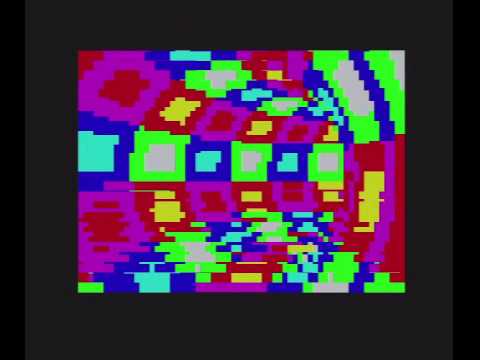
This core is cycle exact so it even displays the colour bars from the Shock Megademo and similar demos correctly.
Links
- Sorgelig's source github repository
- T80 core by Daniel Wallner and MikeJ
- Mike Stirlings ZX Spectrum on FPGA homepage
- Info on the CSW1 file format
- ESXDOS Homepage
Installation
Copy the *.rbf file at the root of the SD card, as well as a specially patched spectrum.rom file from
this page or from Sorgelig's page
You can rename the file to core.rbf if you want the MiST to load it automatically at startup.
Using DIVMMC/ESXDOS
DivMMC supports loading .TAP, .Z80, and .SNA files
The DIVMMC/ESXDOS combo provides easy and fast access to spectrum games stored on SD card. From release r877 the zxmmc has been replaced by a DIVMMC implementation in the spectrum core.
The latest core already includes the necessary ESXMMC.BIN from the esxdos085.zip. Follow the instructions in the ESXDOS archive and copy the entire BIN and SYS directories onto your SD card and boot your MIST with that.
Power on your MIST and boot into the well-known ZX Spectrum menu. Then press either F11 or select ESXDOS Menu (F11) from the OSD or by press the fourth button on your USB gamepad (of course only if the gamepad has at least four buttons). This will enable and boot ESXDOS and the SD card should immediately be detected.
Press F11 again or select the menu entry in the OSD again or press the fourth gamepad button again to open the ESXDOS menu at any time. You can now select various files (e.g. ZX spectrum tap files) directly from the SD card.
With ESXDOS in place CSW uploads doesn't work anymore. Reboot the core with ESXDOS autoload not enabled if you need CSW upload.
Converting CSW1 files
Note: CSW loading is only supported via the OSD menu, and not the DivMMC interface
- The TZX2WAV utility can convert TZX files into CSW.
- To convert TAP files into TZW you might need to use older utilities.
Some older utilities no longer work in the latest version of Windows, but you can use Dosbox to run them.
OSD Menu
Press F12 to enter the OSD menu:
- Load Disk
*.TRD,IMG,DSK,MGT: load image files from the SD card - Load
*.TAP,CDW: load TAP or CWS tape file from the SD card - Fast Tape Load: (on/off)
- Video timings: (ULA-48/ULA-128/Pentagon)
- Scandoubler Fx: (None/HQ2x/CRT 25%/CRT 50%)
- Memory: (48k/+2A/128k) timings to use (will match original hardware)
- Features: (None/ULA+ & Timex/ULA+) Turns on ULA+ extended mode (better graphics)
Notes
- Video mode is 720x572p at 50hz.
Gameplay videos
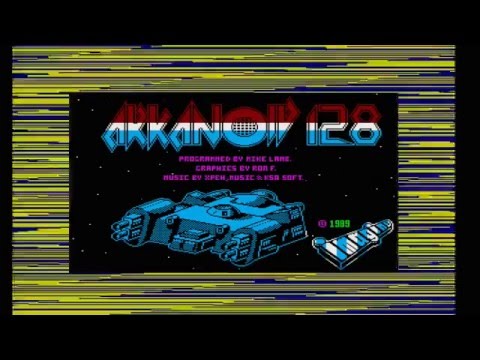
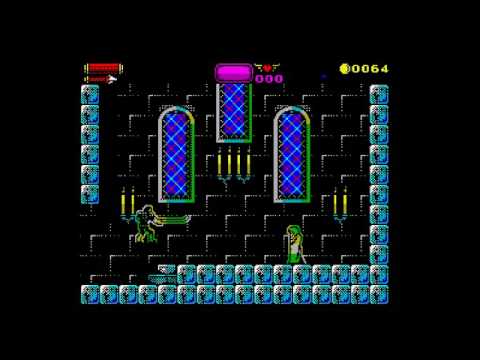
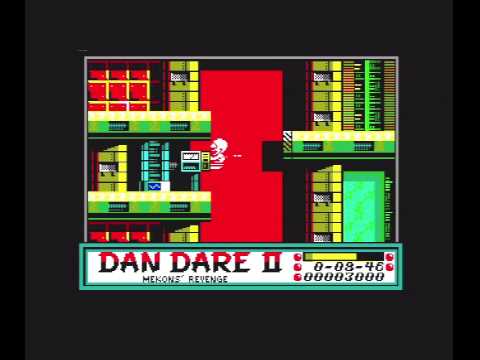
Demos